Acebyte Registry Cleaner Quick Start Guide
Congratulations! You have selected Acebyte Registry Cleaner, which features to remove the unused, old or invalid registry entries in your system. With the advanced intuitive design and state-of-art computer technology,even the newbie can fix Windows errors and improve computer performance easily .
Navigation

- Display your current computer registry health status. Perform a complete scan on system Registry entries .

- Scan the Windows Registry entries and clean the detected unused, old, or invalid Registry entries in one place.

- One click to defrag Windows Registry entries to fix computer errors .

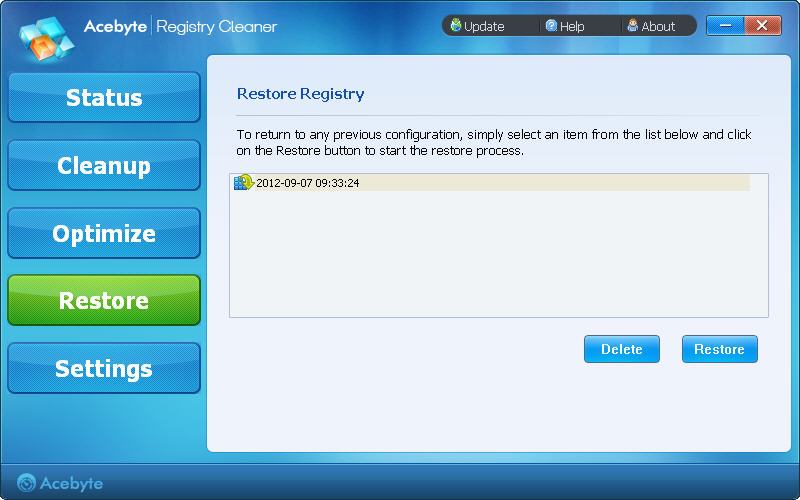
- Restore your Windows Registry back to the previous point before you have cleaned up Registry last time quickly.

- Make more personal or manual settings on: Optimize, Exclusion, Schedule, General.
Main Screen
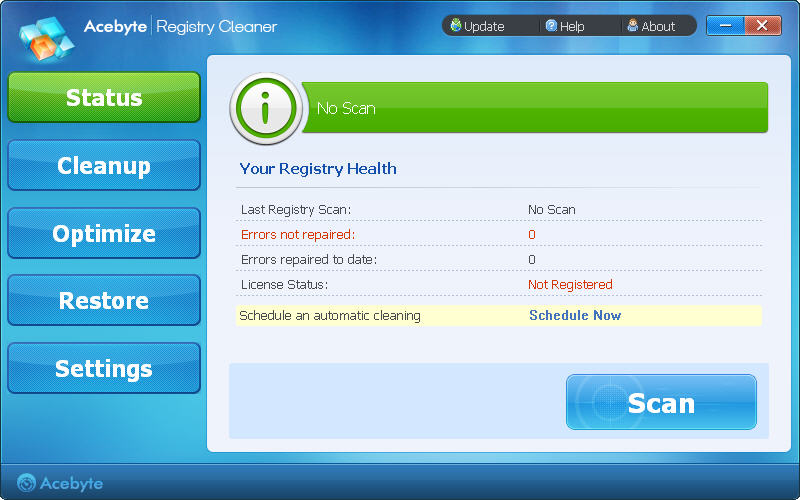
- Update: Check for the latest version available.
- Help: Reach Help documents instantly.
- About:Provide details about software version, company information, trademarks, licensed information and more.
Status Screen
Click the  to perform a scan on Windows Registry entries:
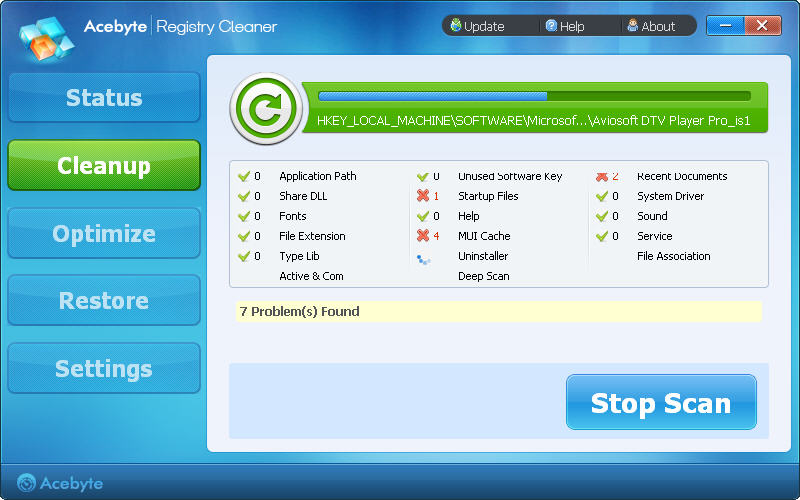
- After the scan completes, it will turn to Cleanup box automatically.
Cleanup Screen
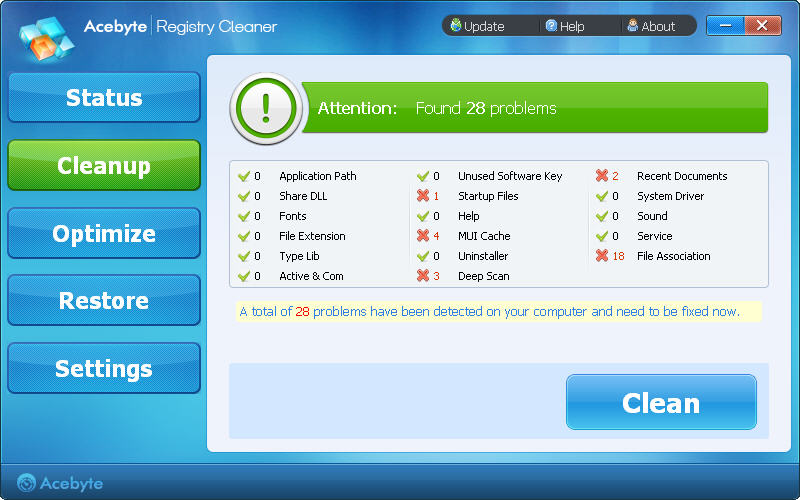
Click the Clean button to fix the detected errors completely.
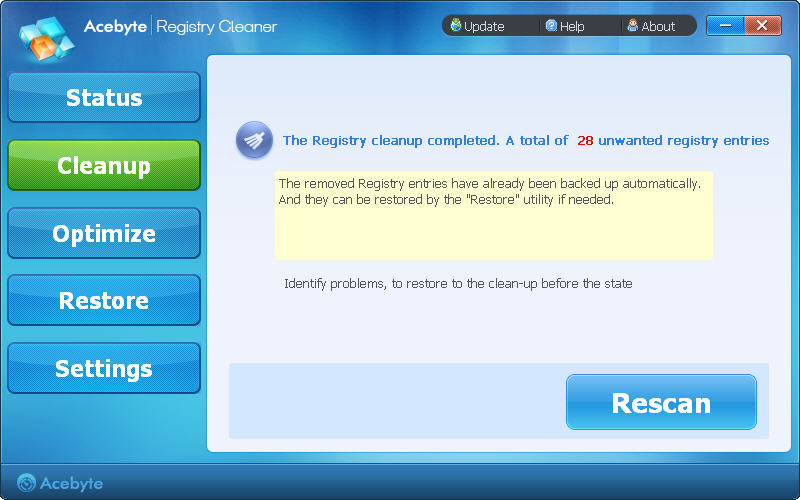
Note: Acebyte Registry Cleaner has already automatically backed up your removed Registry entries. You can restore it at anytime in the following "Restore" utility.
Optimize Screen
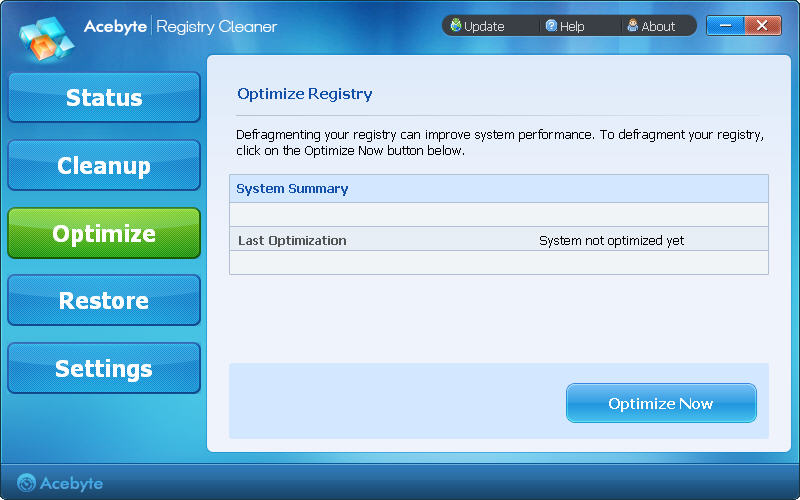
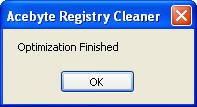
- Click the Optimize Now button to defrag your system Registry entries and improve your PC performance.
Restore Screen
-
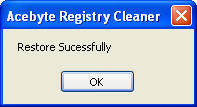
Choose your last cleanup record in the working area and click the Restore button to take back your removed Registry entries.
Settings Screen
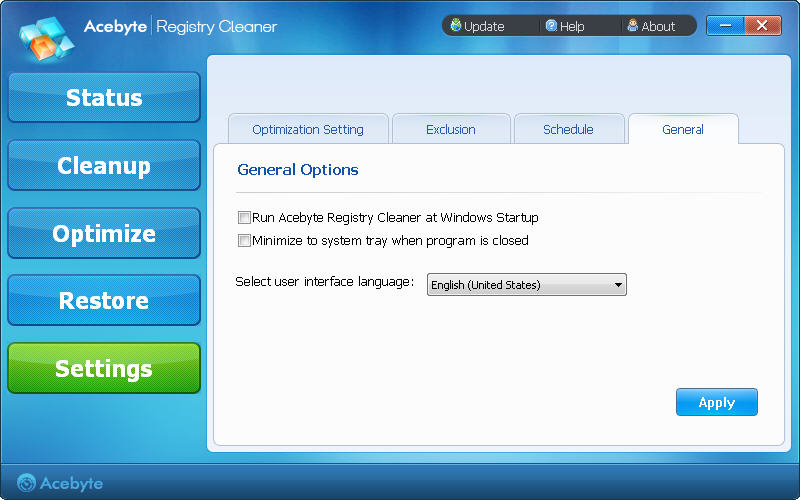
-
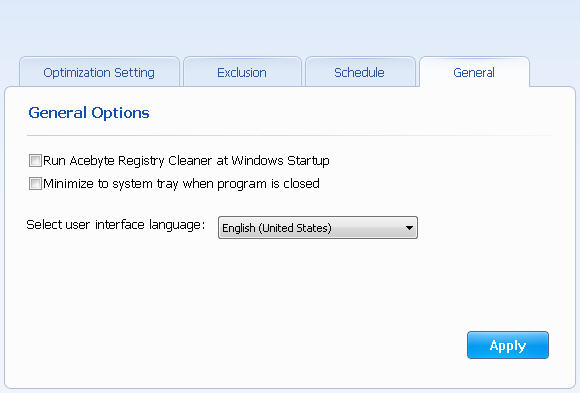
Custom personal settings here: Optimization, Exclusion, Schedule, General
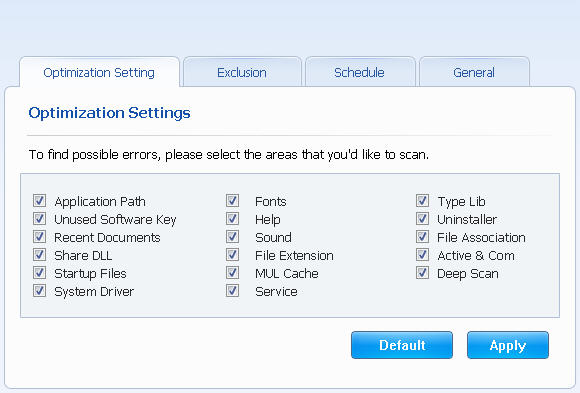
- Optimization: Choose the areas you want to scan:
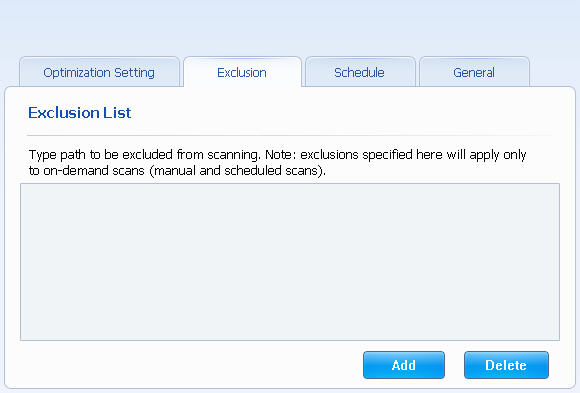
- Exclusion: Add the path you do not want to scan:
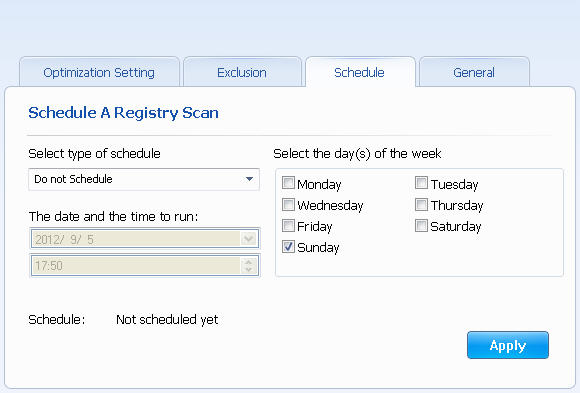
- Schedule: Customize your scheduled scan task.
- General: Other settings.
Online Support Center
Click here for detailed Acebyte Registry Cleaner Help, which is available online. An Internet connection is required to visit Online Support Center.
Acebyte Utilities
Register Cleaner
Useful Links
Hot Tags
Acebyte | Affiliate & Partners | Links | Sitemap | Privacy | Terms of Use | Contact us
Copyright © Acebyte. All rights reserved
Copyright © Acebyte. All rights reserved